Sales channels
One listing, adapted to every marketplace: the right aspect ratios, a white-background packshot where required, titles within limits and descriptions in your brand voice — ready to use. And the same photo goes further — a post, and your own shop.
From a phone photo to a clean white packshot
A main photo on a plain white background is the most common hard requirement across selling platforms. Renvido prepares one from the photo you already have. Drag the slider.
 Packshot from Renvido
 Phone photo
The background goes
The floor, the rug, the shadow of whoever took the photo — only the product stays in frame, with no cutting it out in a graphics editor.
The fabric is smoothed
Creases from lying on the floor disappear, while the weave, texture and colour of the item stay exactly as they really are.
White that meets the requirements
Clean white and the aspect ratio the platform asks for — ready to go into the main photo slot of your listing.
Marketplace
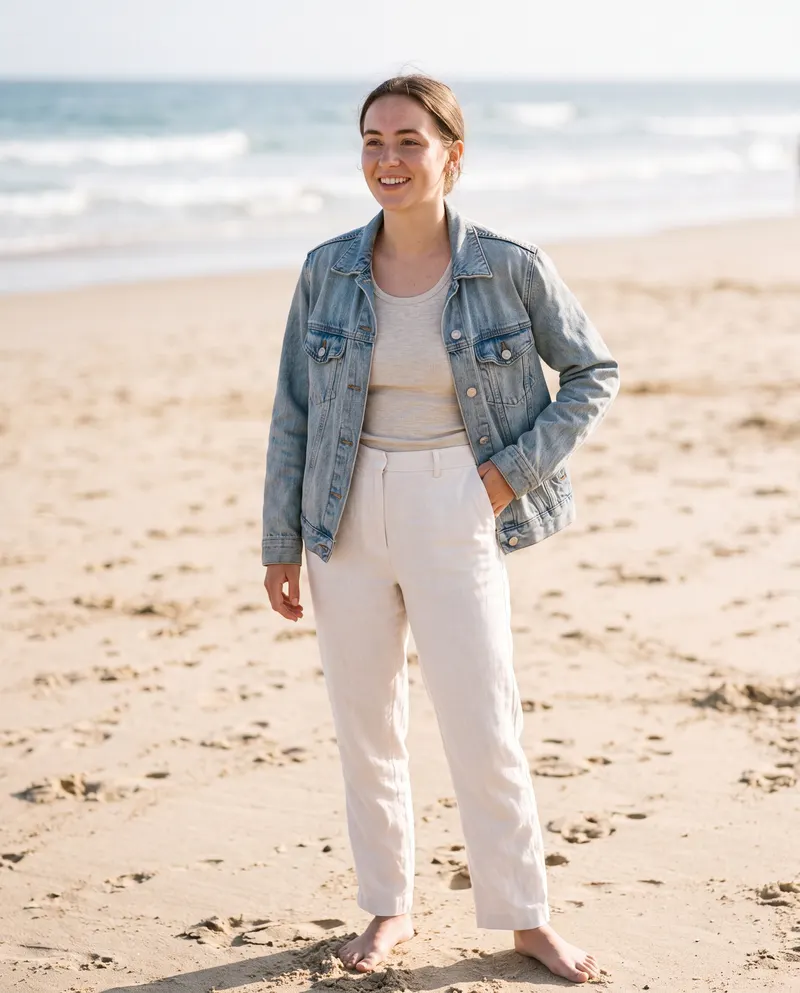
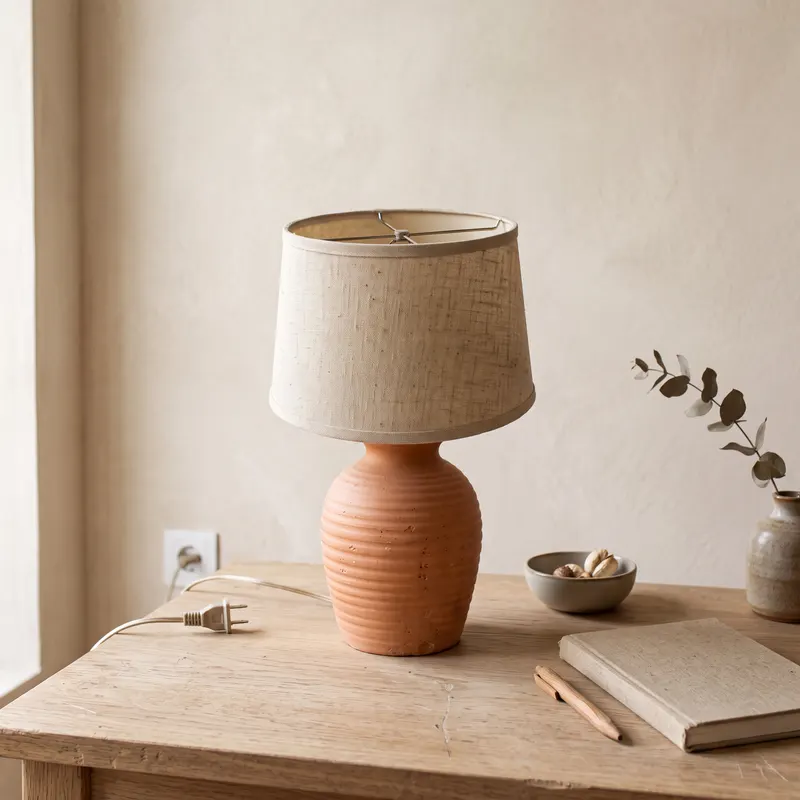
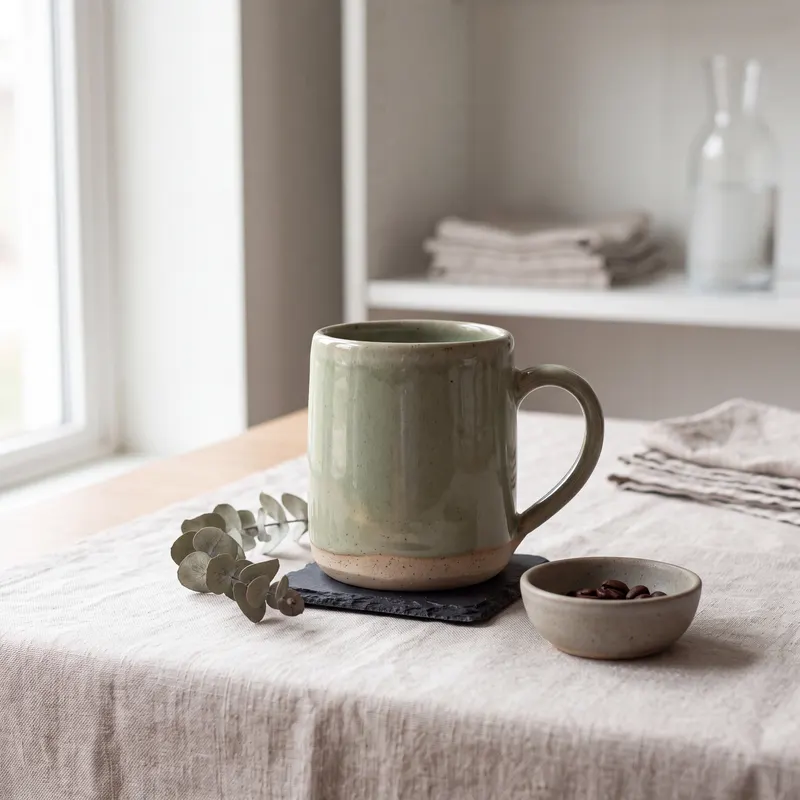
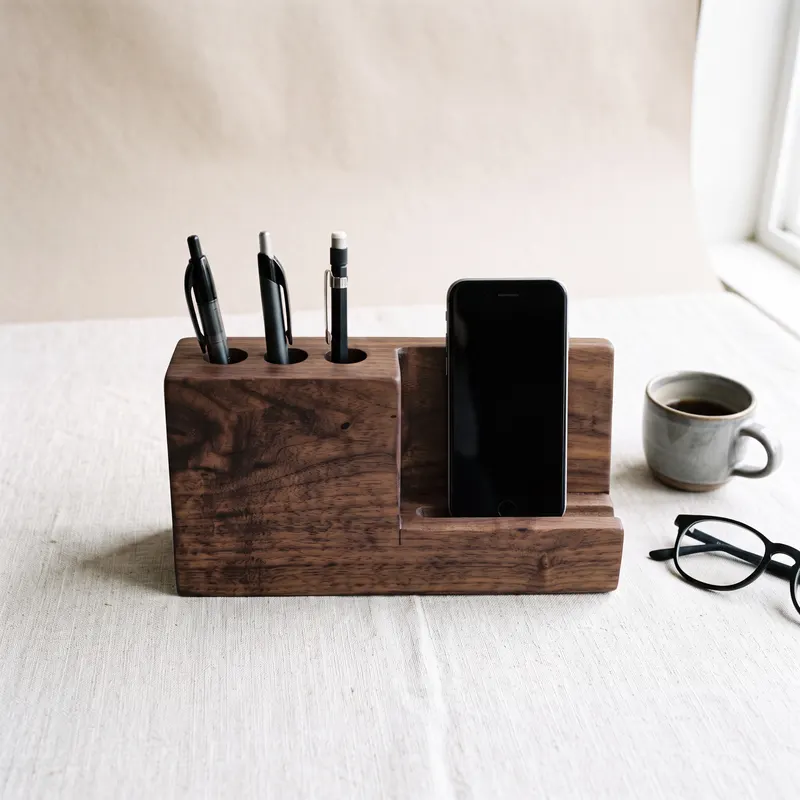
How it works
Add your product
Upload one product photo — even from your phone. Choose how many product and on-model shots the listing should have.
Renvido prepares the set
You get photos sized for the marketplace — with a white-background packshot where needed — plus a title, description and tags in your brand voice, within each marketplace's limits.
Download and list
On desktop you download the full set of photos and copy in one click; on your phone you save the whole series to your camera roll. Then you list the item wherever you sell, just like always.
The listing is done. The product still needs showing.
The same photo goes further: a post with the caption written, crops shaped for feeds and ads, shots for your own shop. You pick from ready options — scene, light, styling — instead of writing prompts.
The caption comes with the photo
It's written in your brand voice, so the post is finished the moment the photo is — nothing left to think up.
Publish to Instagram and Facebook
Connect your Meta account once, then send the finished post from the same window it appeared in — no moving the photo and caption anywhere else.
Crops for posts and for ads
Portrait, square, full phone screen or landscape — take the one that fits where the photo is going.
Start from your shop's address
Enter your shop's address and Renvido pulls in your brand and product photos — you start from what you already have. You add the new material to your shop yourself, as always.